Text to video AI
Text to video AI: describe a shot and generate a clip. Ads, product video, and social clips in chat.
How it works
1
Describe the clip
Camera move, subject, and motion. Words in, footage out.
2
Generate
Short clips, usually a few seconds — ads, Shorts, product loops.
3
Edit next
Restyle, extend, or recut in chat.
Before & After
Popular Tools
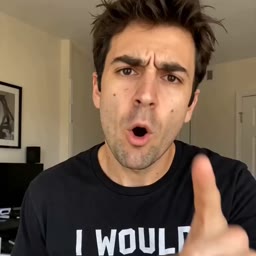
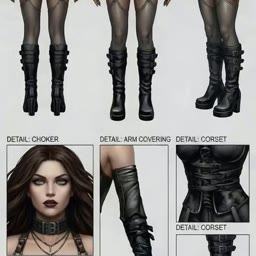
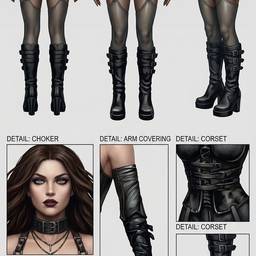
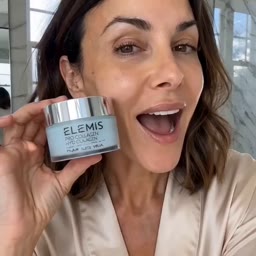
Community Examples






















Models
Seedance 2.5
Text To VideoNative 30-second cinematic video from text with synchronized audio in a single pass.
FLUX 3
Text To VideoBlack Forest Labs frontier video with native audio, up to 20 seconds at 1080p.
Kling O3 Pro
Text To VideoKling O3 Pro text-to-video with native audio and multi-shot generation. Use prompt or multi_prompt, not both.
Grok Imagine Video 1.5
Text To VideoxAI video with native audio, 1–15 seconds, up to 1080p.
Seedance 2.0
Text To VideoGenerate cinematic video from text with native synchronized audio (SFX, ambient, lip-synced speech) at no extra cost.
Google Veo 3.1 Fast
Text To VideoCredits per generation. No subscription. See pricing.